
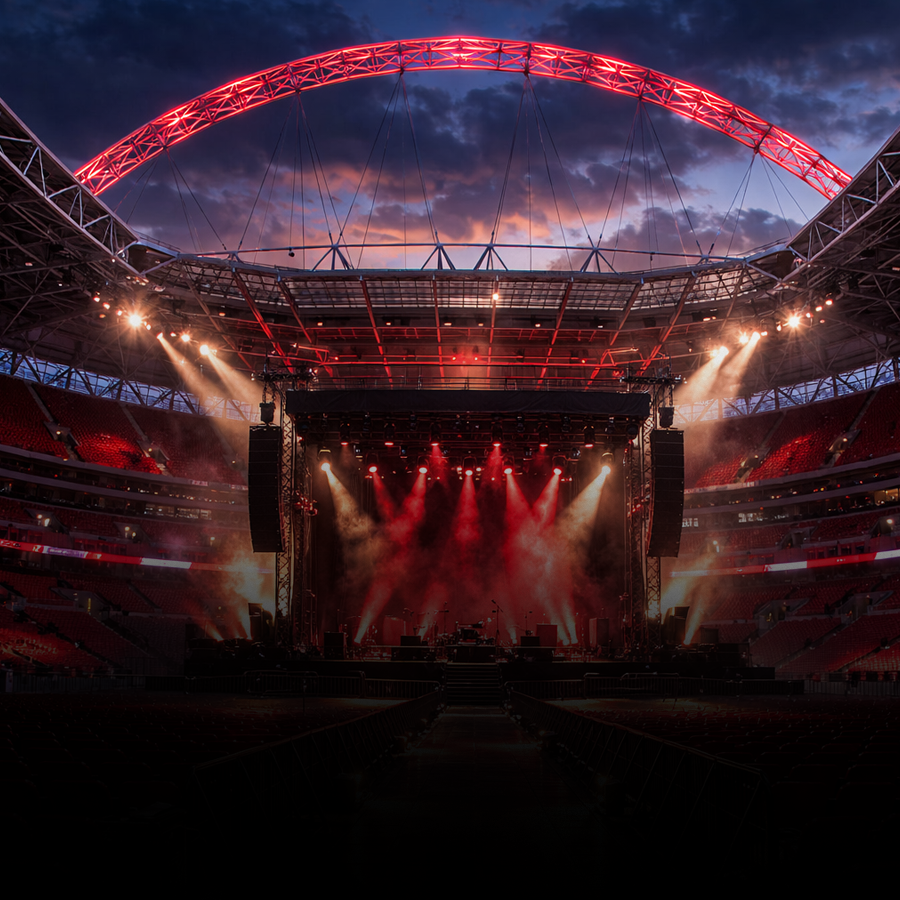
Royal Stadium
A large outdoor stadium sound with big crowd energy and wide live ambience.

LiveTunes transforms songs from your music library into immersive live performances with real venue acoustics, crowd energy, and the feeling of music bouncing off the walls around you.
Designed for iPhone and built to be fully usable with VoiceOver, LiveTunes gives blind and low-vision music fans a one-of-a-kind way to hear familiar songs in completely new places.
LiveTunes is not a visualizer. It is not a concert video app. It is an audio experience that places your own songs inside different venues, from intimate clubs to massive stadiums.
For blind listeners, that means the app can be enjoyed exactly where it matters most: through the sound, space, ambience, and emotional energy of the performance.
“It feels like hearing the music bounce off the walls.”
That kind of feedback from blind LiveTunes users changed how I think about the app, and it is now helping shape how LiveTunes is built going forward.
Each demo includes an original sample and a LiveTunes venue version. These native audio controls are included intentionally so VoiceOver users can play, pause, and move through each preview more easily.
A large outdoor stadium sound with big crowd energy and wide live ambience.
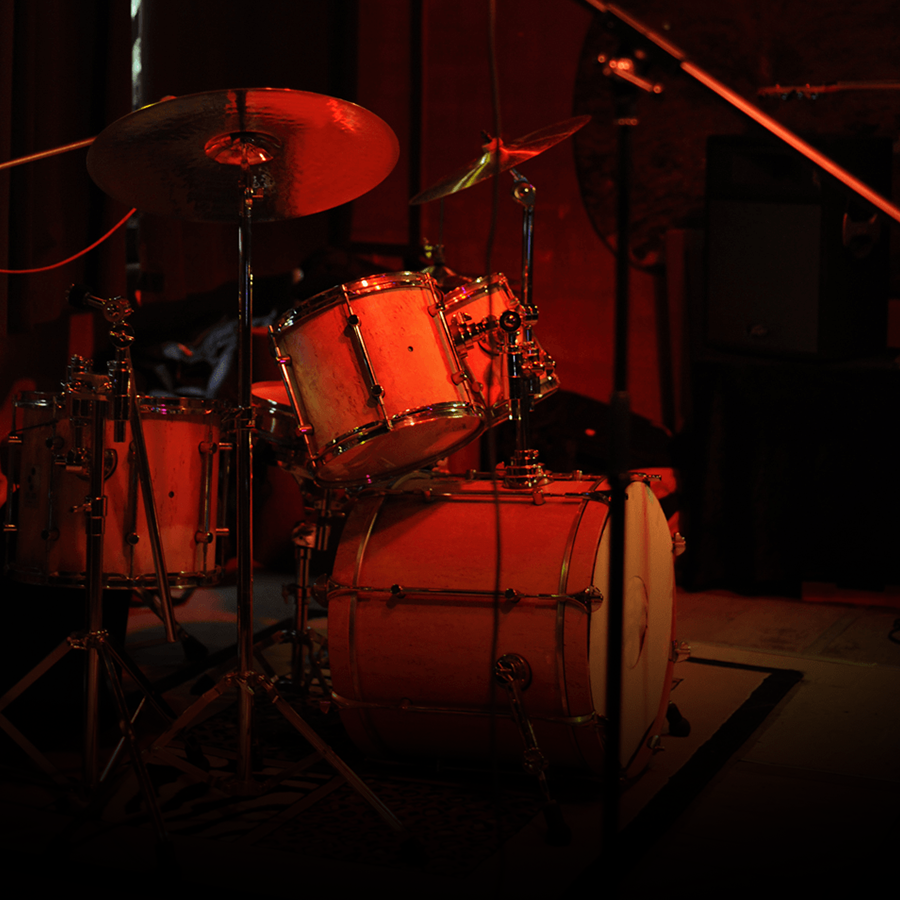
A smaller, gritty room with close reflections, background crowd texture, and late-night energy.
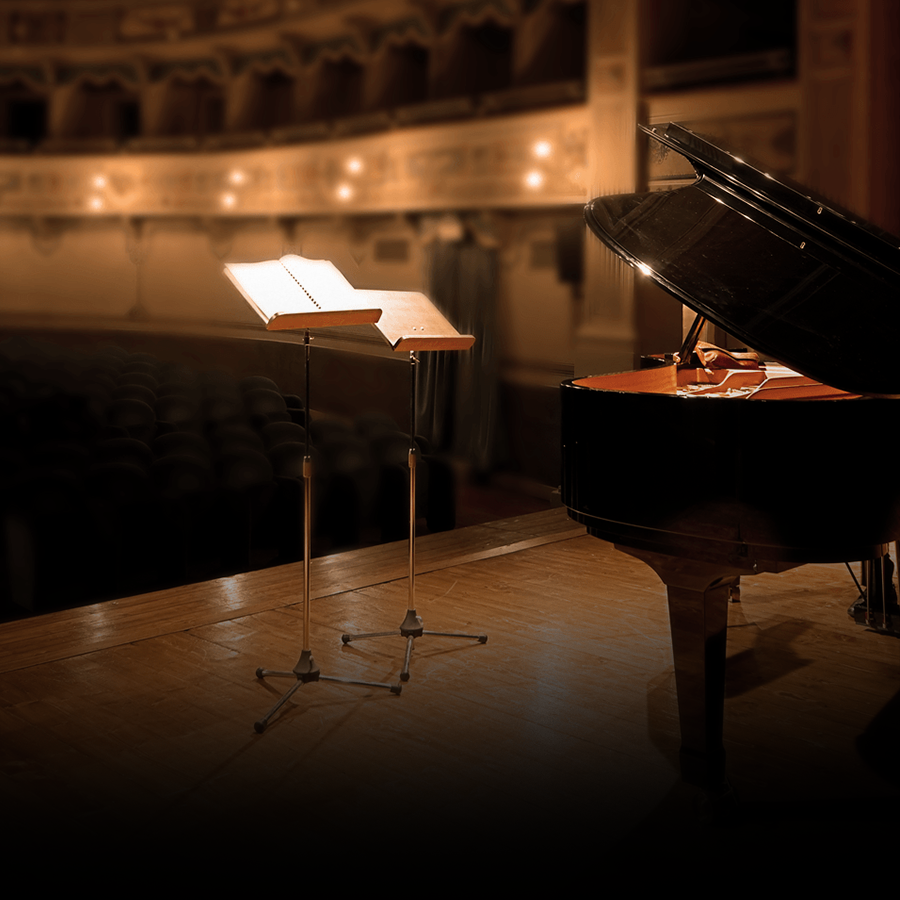
A spacious hall with smooth reflections, natural depth, and a more elegant live room feel.

An intimate club atmosphere with close walls, lively room tone, and an excited crowd.
Accessibility is not an afterthought in LiveTunes. Feedback from blind users has directly shaped the app, and every major view has been reviewed so VoiceOver users can browse, play, adjust, and customize the experience.
Browse venues, filters, favorites, locked states, and selected venues with clear VoiceOver labels, hints, and actions.
Player controls, track status, and supported gestures are designed so the core listening experience can be controlled through VoiceOver.
Crowd volume, song transition settings, 3D Spatializer controls, EQ, and other supported sliders are built to work with VoiceOver adjustments.
When available, the two-finger double tap can play or pause the current song, making quick control easier.
Buttons, controls, states, purchase options, and interactive areas include labels and hints intended to explain what each item does.
LiveTunes is actively improved based on real user feedback from blind and low-vision listeners.
Blind users have described LiveTunes in a way that goes beyond features. They talk about space, walls, reflections, crowd reactions, and the feeling of being transported into a venue.
When I first built LiveTunes, I thought mostly about music fans who wanted a concert-style player. I did not fully understand how meaningful the experience could be for blind listeners until users started writing to me.
Their feedback has been some of the most enthusiastic and thoughtful feedback I have received. It has also made accessibility a much bigger part of LiveTunes going forward.
The goal is simple: if you use VoiceOver, LiveTunes should feel like it was made with you in mind.
Install LiveTunes from the App Store on your iPhone. The app is free to download and includes access to begin exploring the experience.
Use your music library or imported audio, then choose a venue to hear how the room, crowd, and acoustics change the song.
Control playback, crowd volume, venue selection, filters, favorites, 3D sound, EQ, and other features with VoiceOver-supported controls.
LiveTunes offers a unique story for accessibility writers, Apple-focused publications, blind technology communities, music podcasts, and anyone interested in inclusive entertainment apps.